Crown Codex Distributors › Backend
Crown Codex Backend Agent Guide
Crown Codex players see crowns, reels, and fish; you see the agent backend that funds them. Learn the menus on an empty seat first.
What this page covers
Player logins
Set up sign-in details for every newcomer and message them over.
Loading and cashing out
Top a player up once they have paid you, and deduct from them when they ask to withdraw.
Saved records
Every action keeps a time stamp, so you always have proof if someone asks.
Panel link or player link?
They are not the same thing. The player link opens the game lobby. The panel link opens names, balances and records, and it must stay private to you.
Where your credits come from
The balance in your panel is prepaid credit you buy from us. When it runs low, you message us, pay, and fresh credits appear in the same place.
Crown Codex game specs
Quick facts that new agents tend to want before their first Crown Codex panel goes live.
System specs
| Category | Play-at-home |
| Platform | Web agent panel, no install |
| Player access | Any phone or computer browser |
| Billing | Prepaid credits |
| Average theoretical hold | 20–50% |
| Replaces | AceBook |
| Account levels | Distributor, sub-distributor, agent |
Game count
Backend features
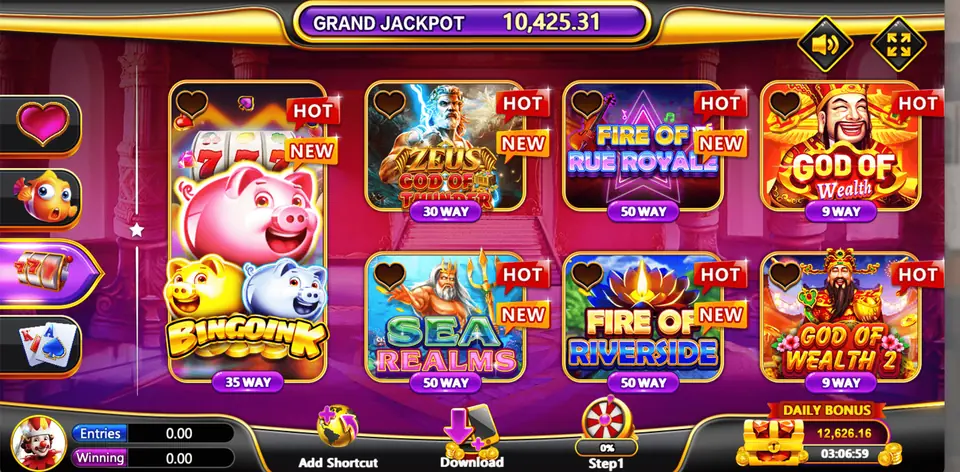
- Community jackpots shown across the lobby
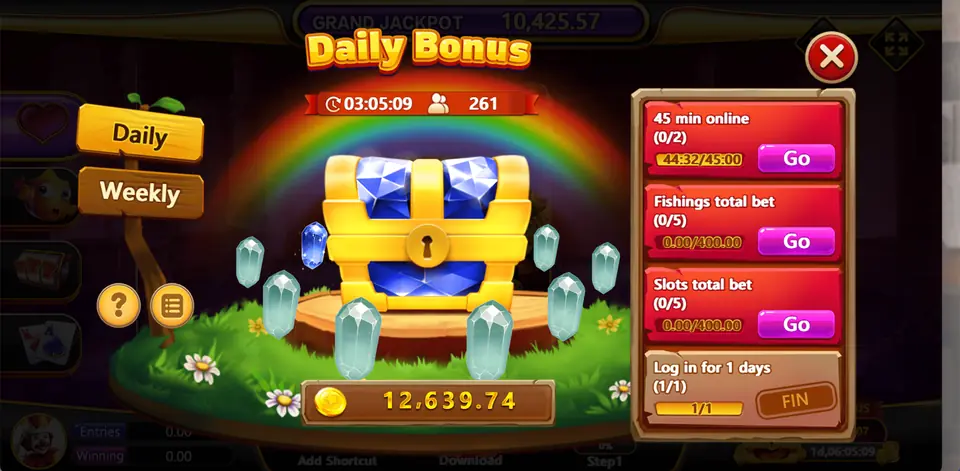
- Daily bonus chest plus a daily spin
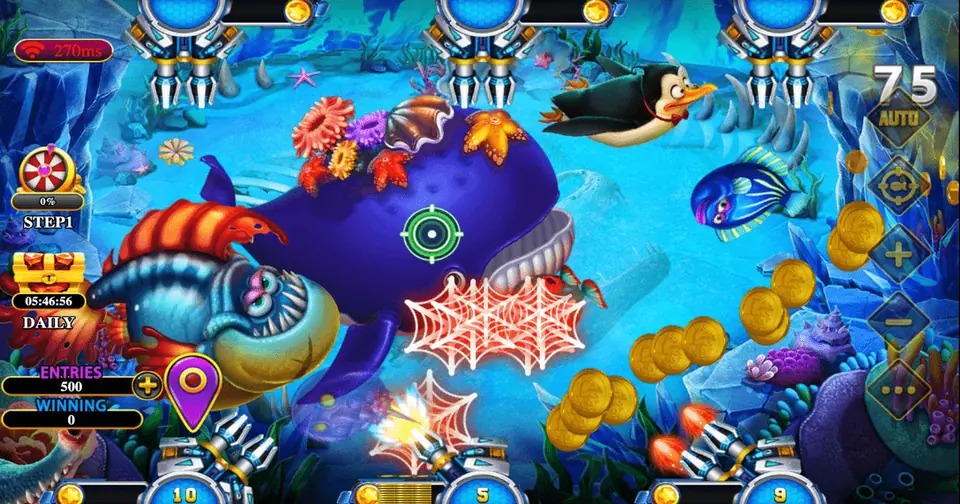
- Big fish rooms beside the slot reels
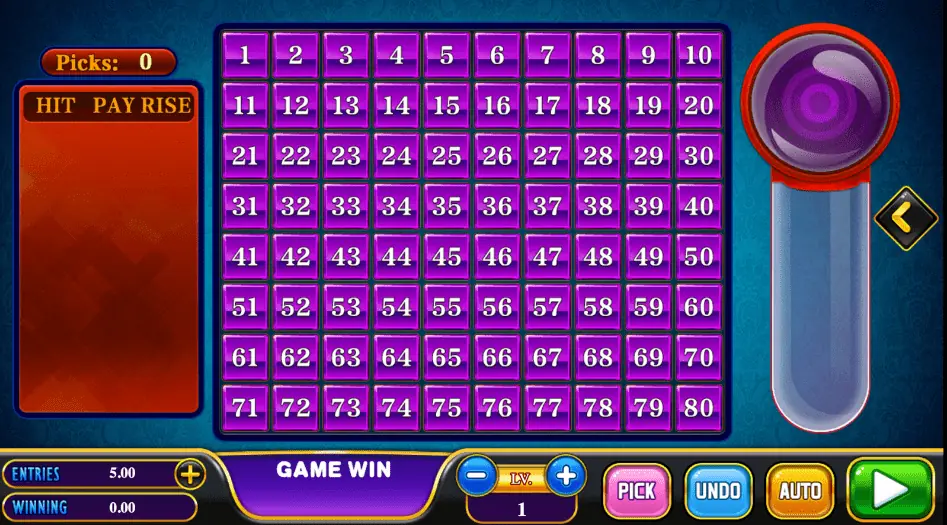
- Keno, a crash game and a card table
- Helper logins under one distributor
- Load, cash out and records on one page
Access links
Player page: www.crowncodex.mobi
Agent panel: zadkp.crowncodex.mobi
We send your agent username after you pick a level.
Your first sign-in
Once your login is ready, we send you the panel link and a username. The Crown Codex agent panel is at zadkp.crowncodex.mobi, and players use www.crowncodex.mobi. Save the panel link in your browser bookmarks straight away. Typing it from memory each time is how people end up on copycat pages, and a copied page is the easiest way to lose a login.
After signing in, swap the starting password for a fresh one that you use nowhere else. Keep it in a password app or on paper, not in a screenshot. Then spend a few minutes clicking through every menu with no goal at all. Looking around cannot break anything, and it makes the real work much calmer later.
Screens you will open every day
The player list
This list shows everyone under your login, along with their balance. Choose a naming style on day one and keep it. Something like a first name plus the last three digits of a phone number, such as omar512, works well. When a late message says "add 30 for me", you want to spot that player in a second instead of scrolling past names like user2024.
Creating a player
Press the create button, enter a username and a starting password, and save. Copy both into one message together with the player link, www.crowncodex.mobi. Remind the player to set their own password the first time they sign in.
Loading credits
Once the money from a player reaches you, look them up by name, pick recharge, enter the figure and press confirm. Your balance goes down by that number and theirs goes up by the same amount. Read the figure back once before you confirm. One extra zero is the most common mistake for new agents, and it always seems to happen when you are busy.
Cashing out
When a player asks to withdraw, remove the amount from their account in the panel first. The credits come back to your balance. Only after that do you send the player their money. If you pay first and redeem later, the player can keep playing with credits you have already settled.
Records
The history screen lists every load and every cash out with a date and time. If a player says "I never got my credits", open their record, find the line and send them a screenshot. A calm screenshot ends most arguments in a minute.
A simple daily checklist
- Check your panel balance before your busiest hours, not during them.
- Answer load requests in the order they came in.
- Redeem in the panel before you pay anyone out.
- At the end of the day, compare the history screen with the money you received.
- If your balance will not last until tomorrow, message us for a top-up now.
Explaining the lobby to new players
New players often ask where to begin. Point them to the daily bonus chest first, because it is a friendly way to start. Then mention that slots fill most of the lobby, that the fish rooms are for people who like to aim, and that keno, the card table and the rocket game are there for a change. If someone used AceBook before, tell them Crown Codex is its replacement, so the feel will be close to what they know.
Keeping your login safe
Never share your panel password with a player, even a regular one. If a helper needs access, ask for a distributor panel and give them their own agent login instead. That way you can switch off one person without touching anyone else. The admin panel guide explains this in more detail.
When your balance runs low
Do not wait until it hits zero. Send us a message, we share the current price, you prepay, and the credits arrive in this same panel. The steps are spelled out on the buy credits page. If you would rather link the panel to your own site or bot, read the API integration guide.
Backend questions
What is the Crown Codex backend link?
The agent panel is at zadkp.crowncodex.mobi. We send your username once your login is set up.
Does the Crown Codex backend work from a mobile?
Yes. The panel opens in any modern browser, so a phone, tablet or laptop all work.
What happens if I load the wrong amount?
Redeem the extra straight away from the same player account, and the credits return to your balance.
Should I give players the panel link?
No. Players only need www.crowncodex.mobi. The panel link stays with you.
Can I see older loads and cash outs?
Yes. The history screen shows each action with its date and time.
Part of the Gamebridge API family
Crown Codex is one of many titles we handle. Visit the main site to browse them all, including a Crown Codex page of its own.